

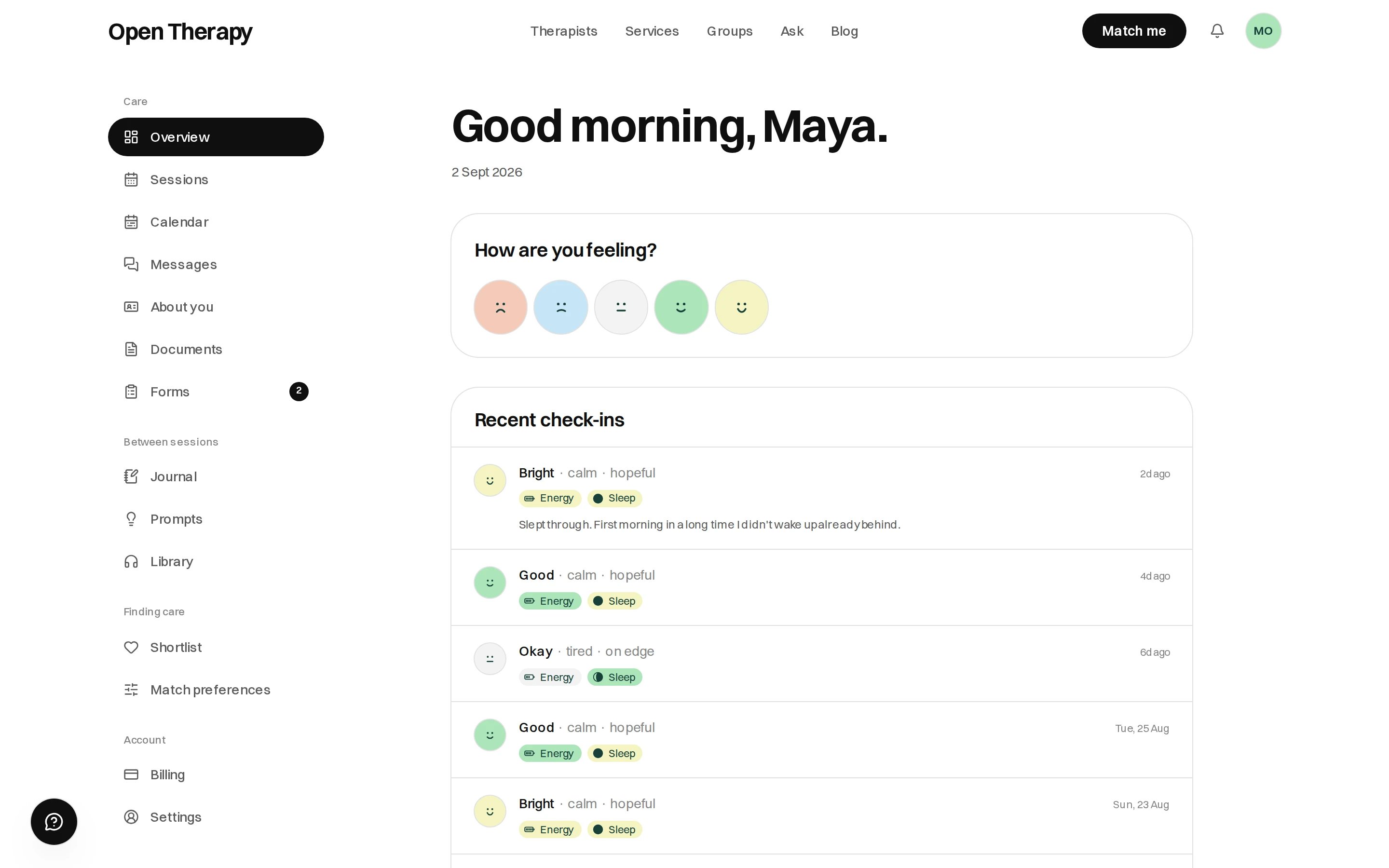
Your workspace as it looks once you have an account
Start here
Create an account
Email, a six-digit code, a password.
Find a therapist
A short questionnaire, then a shortlist.
Browse the directory
Search, filter and map the full list.
Book a session
A service, a time, a session mode, then pay.
Free tests
Public questionnaires. Nothing is saved.
What it costs
You pay the therapist’s published price plus card processing at checkout. No booking fee, no membership. Open Therapy’s introduction fee comes out of the therapist’s payout, not yours. See Fees.Who you can see
Sixteen care types, with registration checked before a profile goes live. See Safety and privacy.Five care types can be booked today: Psychology, Counselling, Social Workers, Mental
Health Support Workers, and Art & Music Therapy. The other eleven are marked Soon and keep
their own page, but they don’t return therapists in the directory yet — the page offers Tell me
when it opens instead. See Care types.
The three ways to meet
Your workspace
/workspace holds your sessions and calendar, messages, documents, forms, private journal, shortlist, and your match answers, grouped in the sidebar under Care, Between sessions, Finding care and Account.Your account
Every part of your workspace.
Cancellations
Policies, moving a session, late fees.
On your phone
No app to download. Open Therapy is a website built for a phone.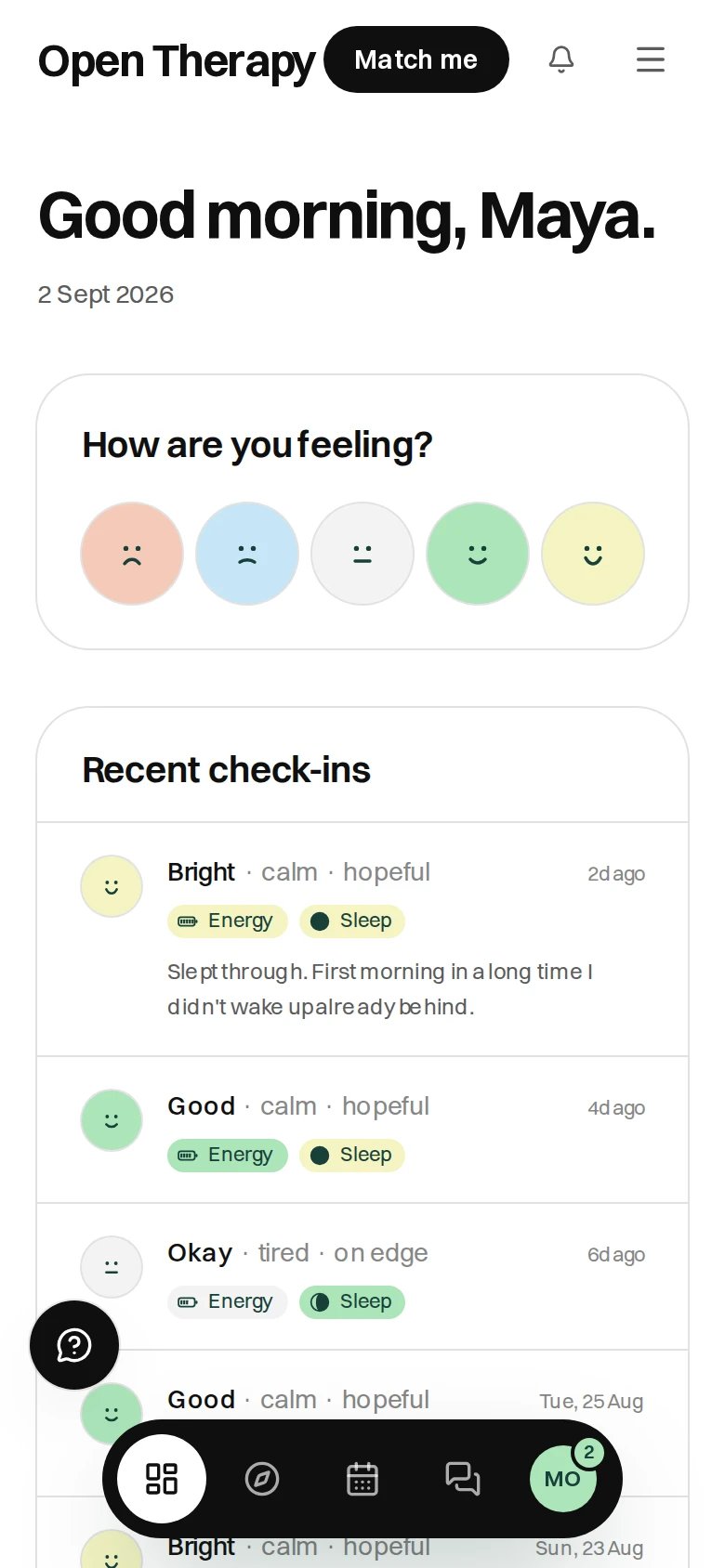
Signed in on a phone, with the navigation bar floating at the bottom