The journal is a private place to write between sessions, on every Open Therapy account, at /workspace/journal.
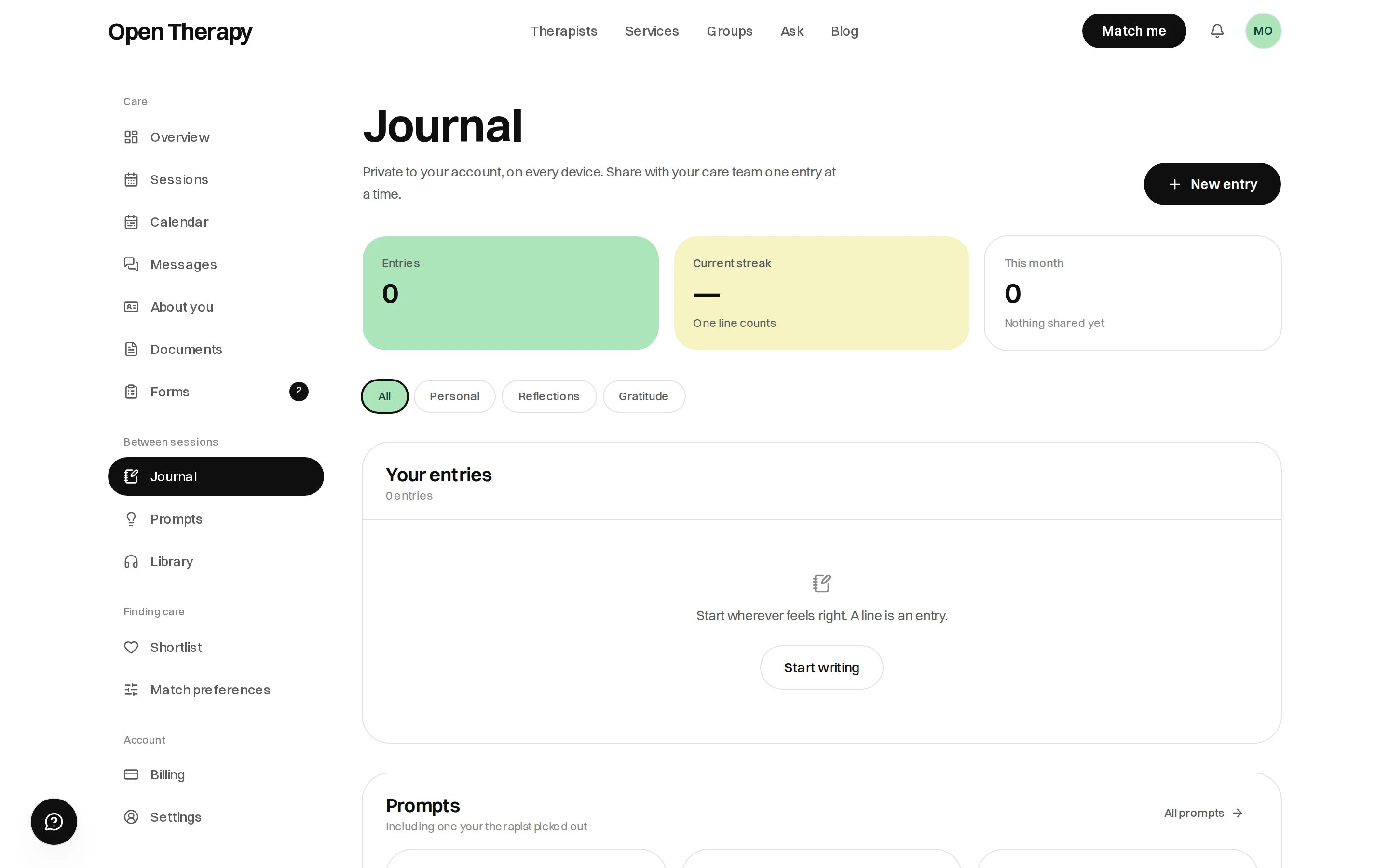
The Journal page in the workspace with a New entry button, cards for entries, current streak and this month, filter pills reading All, Personal, Reflections and Gratitude, an empty entries list inviting you to start writing, and a prompts section below.

Your counts sit at the top, your entries below them, and prompts under those

Where your entries live

On your account, so they’re on every device you sign in on. Entries written in this browser before you had an account move across the first time you open the journal here.
Entries are private to you. A therapist sees nothing unless you share that particular entry, one at a time.

Writing an entry

Select New entry. An entry has a date, a title and a body, and it saves as you write. The editor is rich text: select text for Bold, Italic, Strikethrough, Quote and Add photo, and headings work. Drag a photo in, paste one, or use Add photo in the margin of an empty line. Delete is on the entry itself.
There’s no mood field on an entry. The mood log is the check-in on your overview — see Your account.

Reflections

Open Therapy can reflect on an entry: phrases picked out of what you wrote, each with a sentence about it. They show as dotted underlines, and selecting one opens a note under that passage.
  • Every quote is verbatim. A phrase not in your entry exactly as you wrote it is dropped.
  • An entry that reads as acute gets no underlines. The reflection stops and points you to a person.
Nothing is written into your entry, and deleting a passage takes its underline with it.
Reflections are not therapy, not advice and not a diagnosis, and nobody reads your journal. If you’re in immediate danger, call 000. For crisis support, call Lifeline on 13 11 14 — more numbers on Getting help.

Prompts

Three prompts sit below your entries: your therapist’s picks, then ones you’ve saved, then the rest. Selecting one opens a new entry seeded with it. All prompts opens the full catalogue — see Prompts.

Sharing with your therapist

Turn the share toggle on and that entry goes to your care team. Everything else stays private, and you can turn it off again.
Sharing an entry gives your therapist time to think before the session.

Streaks and counts

Three cards at the top: Entries, Current streak and This month, which also counts the entries you’ve shared. The card says one line counts.

Prompts from the library

Audio sessions in the library each carry a journal prompt you can take into a new entry. See Library.