

Uploading a file
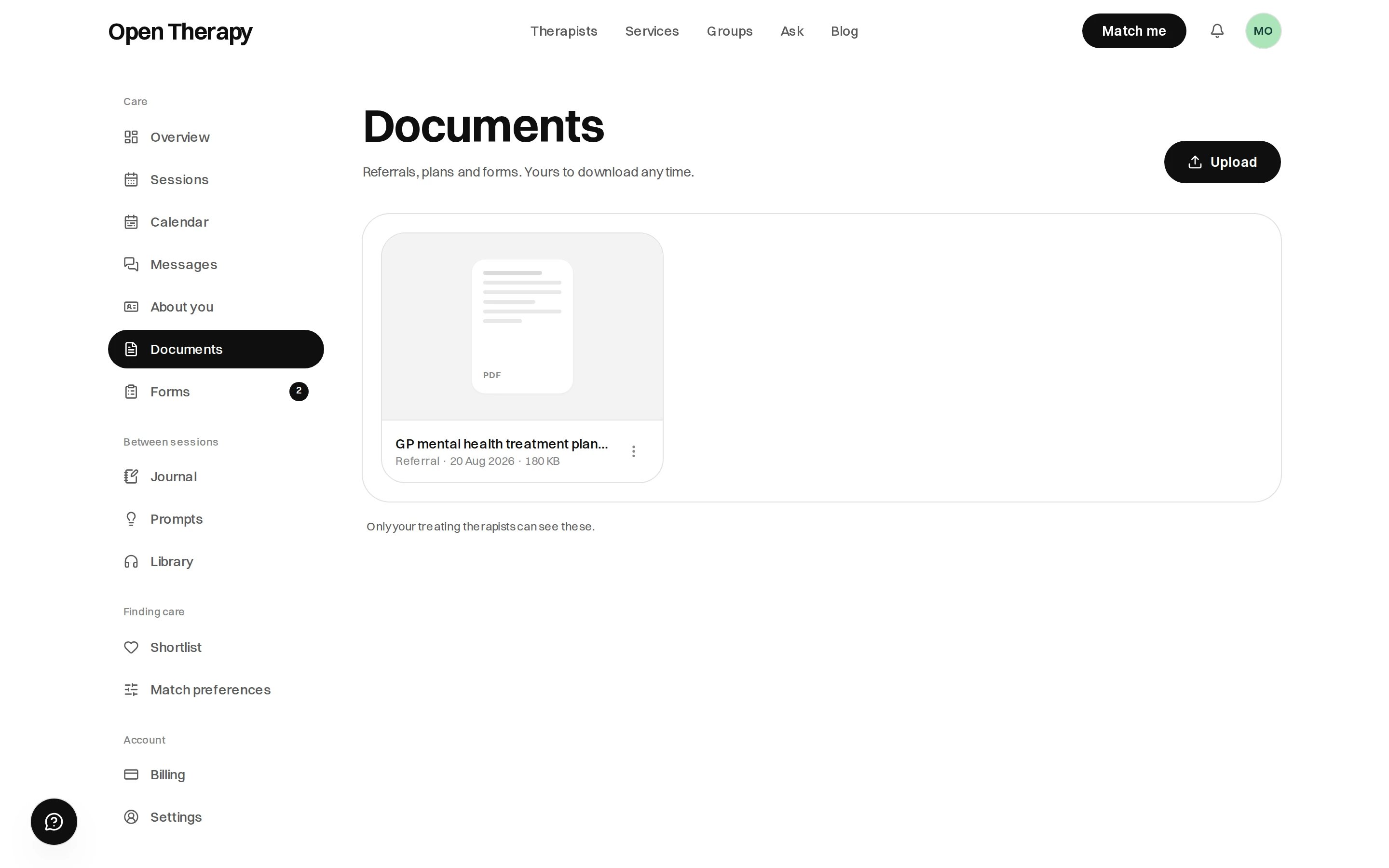
Drag a file onto the page, or use Upload in the corner
A photo of a paper referral is fine — flat, in good light, all four corners in frame. Images show as thumbnails; PDFs and Word files show as a page with the file type on it.
Choosing a type
Every document is filed under a type, which makes it findable later.
Referrals and care plans can carry an expiry date; the other types have no expiry field. Set it and the document shows Expires with the date, then Expired once it passes.
Nothing stops working when a referral lapses, and Open Therapy doesn’t check your paperwork before you book. Whether a lapse affects a rebate is between you, your GP and Medicare — see Rebates and funding.
Who can see a document
You, and the therapists you’re currently seeing on Open Therapy. There’s no per-document switch: filing a document here is sharing it with your treating therapists. Don’t upload what you don’t want a therapist to read.
Files are stored privately, not at a public web address, and a download link is generated when you ask for one.
Uploading doesn’t notify anyone, so message them if a therapist needs to read something before your session. You are told when a therapist shares a document with you.
Documents are not receipts
Don’t upload receipts here. They already exist on your billing page — see Invoices and receipts.