

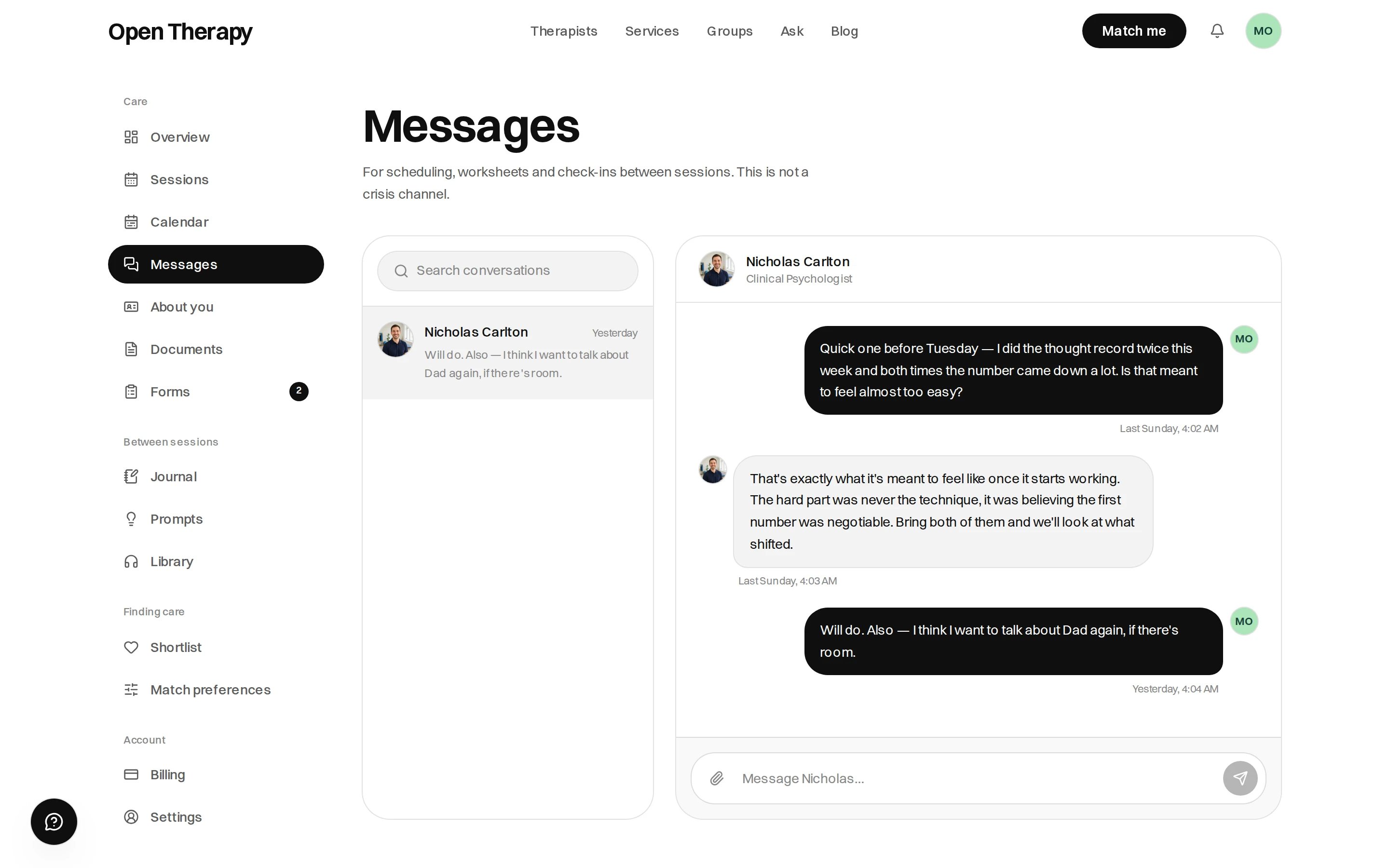
Your conversations sit on the left, the thread you're reading on the right
Messaging a therapist before you book
Messaging any listed therapist is free, commits you to nothing, and the first message doesn’t need an account. Open their profile and use the message form.- Not signed in, give your name and email address. The answer comes there, you can reply by email, and the email links to account setup.
- Write a line or two. One-word openers are turned away.
- Signed in, you can start up to five conversations in any 24 hours.
- Only published, verified listings can be reached. If someone isn’t taking messages, you’re told.
A therapist is under no obligation to reply, and a reply isn’t a booking. If nobody answers,
browse the directory.
What you can and can’t send
Until you’ve paid for a session with that therapist, phone numbers, email addresses, links and social handles are blocked both ways. Include one and the message comes back to edit. Paying lifts it.
Replying from your email inbox
Reply to any message email and it posts to the thread, because each conversation has its own reply address. Write above the Reply above this line marker; everything below is stripped.- Reply from the email address on your account, or it isn’t posted.
- Write something above the line, or we email you to say the reply arrived empty.
- Trim your signature. Before you’ve paid, a phone number in it trips the contact details rule and the reply isn’t posted.
Auto-replies
A therapist can set an automatic reply, usually a response time or that they’re closed to new clients. It arrives a moment after your message, labelled Automatic reply with the time.- At most one per conversation per day.
- It can be set to switch itself off on a date.
- An auto-reply is not an answer.