

Apply
Start from the For therapists page on the public site.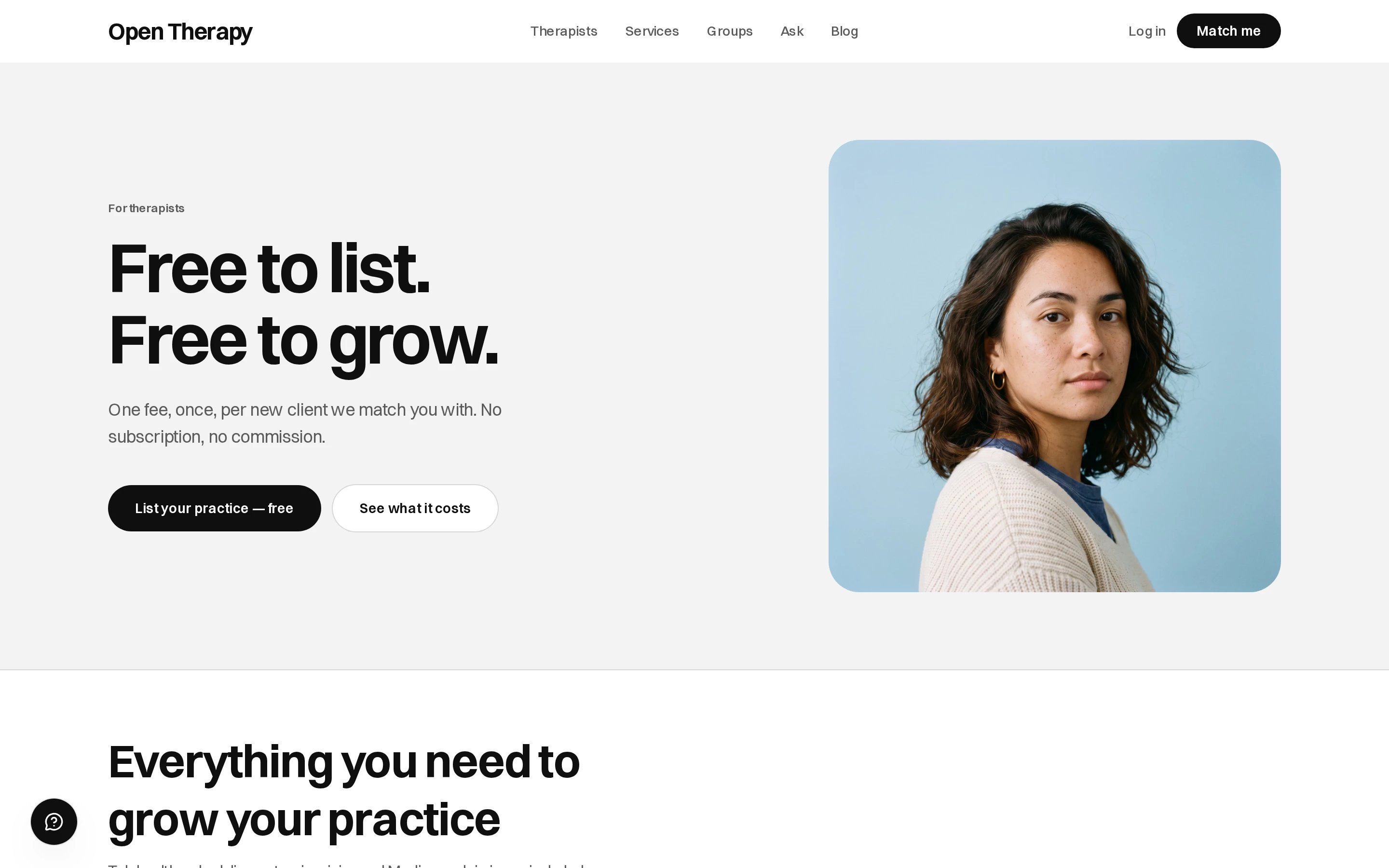
Click List your practice — free to begin
1
Sign up as a therapist
Choose the therapist option, with the email address you want us to reach you on.
2
Confirm your email
Enter the six-digit code, valid for 30 minutes, then choose a password of at least 8 characters.
3
Set up your practice
You’re taken straight into it. Set aside about fifteen minutes.
The five phases
Registration
Registration
Your care category, then the title you’re registered under where the category holds more than one
— Psychology has two, Counselling has one. Then your registering body, registration number and
years practising.To continue: a category and a title, a body, and a registration number of at least 6 characters.
Support and developmental education roles aren’t asked for a number. See
Verification.
Your practice
Your practice
Online, In person or Home visit, your timezone, locations and languages. Then the rough
shape of your week: which days, and mornings, afternoons or evenings after 6pm. Exact hours come
later, on Availability.To continue: at least one session mode, a timezone, and a usable address if you see people in
person.
Your work
Your work
What you work with, your approaches and modalities, then the lived-experience themes. Each of the
eight themes you pick adds a screen where you mark experiences as I’ve lived this or I work
with it, plus the lived part in your own words, up to 600 characters. These markings drive
matching — see
Build your profile.To continue: at least one thing you work with.
Fees
Fees
The funding you accept — Medicare rebates, NDIS, private health extras, DVA — then your services: a
name, a length, a price and an optional description for each. Up to eight.To continue: one complete service, named, timed and priced. See
Services and pricing.
Your profile
Your profile
Your name as you practise under it, your pronouns, a photo and your bio. Then your booking address
on
opentherapy.link, claimed on the way out of the screen. Then an optional thirty-second intro
reel.To continue: a first and last name, and a bio of at least 40 characters. See
Build your profile and
Your booking link.What happens next
Submitting sets your application to pending, and your profile publishes when your registration clears. Nothing is visible to clients before then — not the directory, not matching, not your booking link. See Verification.Edit my answers reopens the setup after submitting, with everything you entered still in it.
Changing your details doesn’t cost you your place.
Before a client can book you
Verification publishes your profile. Three more things decide whether anyone can book.Set up payouts
Clients can’t check out until Stripe has verified your identity, ABN and bank account.
Publish your hours
A profile with no published hours can’t be booked.
Choose a cancellation policy
A session booked before you choose one carries no cancellation fee at all.
Check your care type is open
Five care types are bookable. The other eleven are still to open. See Care types.