

How someone joins
Your Accepting clients setting under Availability decides what your profile offers:
Joining takes an email address; a name, preferred times and a short note are optional. No account is needed, but if the address belongs to an Open Therapy account the entry links to it, and they get an in-app notification alongside the email.
Joining twice returns the same entry and the same confirmation. Someone who was removed and asks again is put back.
Your list
Waitlist in your workspace shows everyone, filtered by status.
Select people and press Notify to write to them yourself, with an optional message. Anyone written to in the last 24 hours is skipped, and you’re told how many.
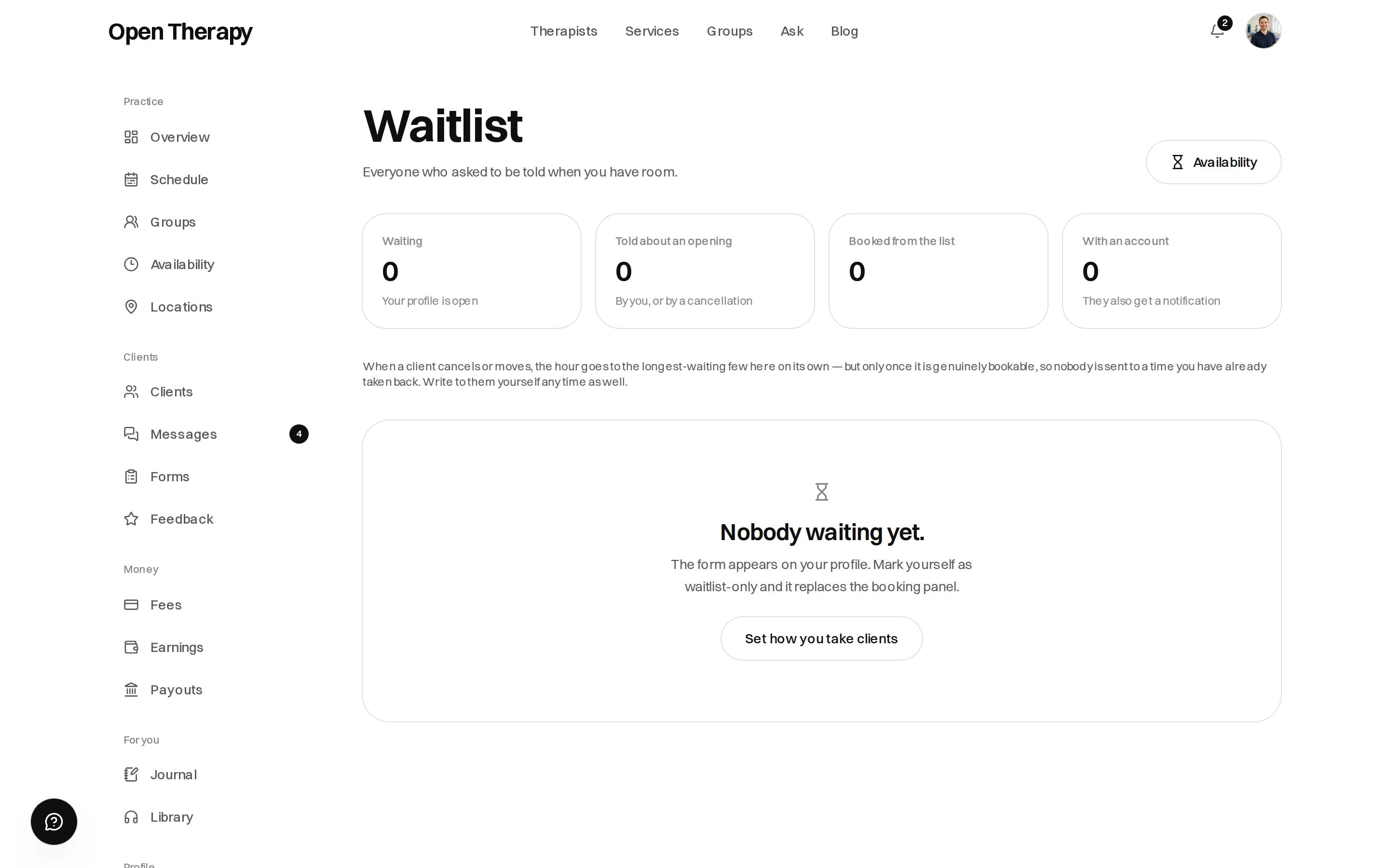
Counts sit above the list
When an hour comes free
When a session is cancelled or moved, the hour it vacated is queued, and an hourly pass offers it to the list.1
The hour is queued
Written the moment the cancellation or reschedule completes.
2
The pass picks it up
Within the hour.
3
The hour is re-checked
Against your live availability. An hour since taken, blocked out, or fallen outside your booking
window is dropped without a word.
4
Five people are emailed
The five longest-waiting on your list who haven’t been written to recently.
Five, and first come first asked
An hour is one appointment, and the email says so — whoever books it first has it. The order is the order they joined.How long an offer stands
There’s no hold and no expiry on an offer; the hour is on the market from the moment the mail goes out. Nobody hears about an opening more than once in 24 hours, and nobody is written to twice about the same hour.When nobody is told
An opening closes without a send if the hour has already passed, if you’ve since closed your books, or if it’s no longer available.Leaving
Every waitlist email carries a one-click unsubscribe link. It removes the entry immediately — no sign-in, no confirmation, no account — and works once; after that it reads as expired. You can also remove someone yourself. They aren’t told.The care-category waitlist is a different list
Some care types are marked coming soon. Those pages collect email addresses too, and that list is not yours.
Nobody on it appears in your workspace, and joining one has no effect on the other. See Care types.