

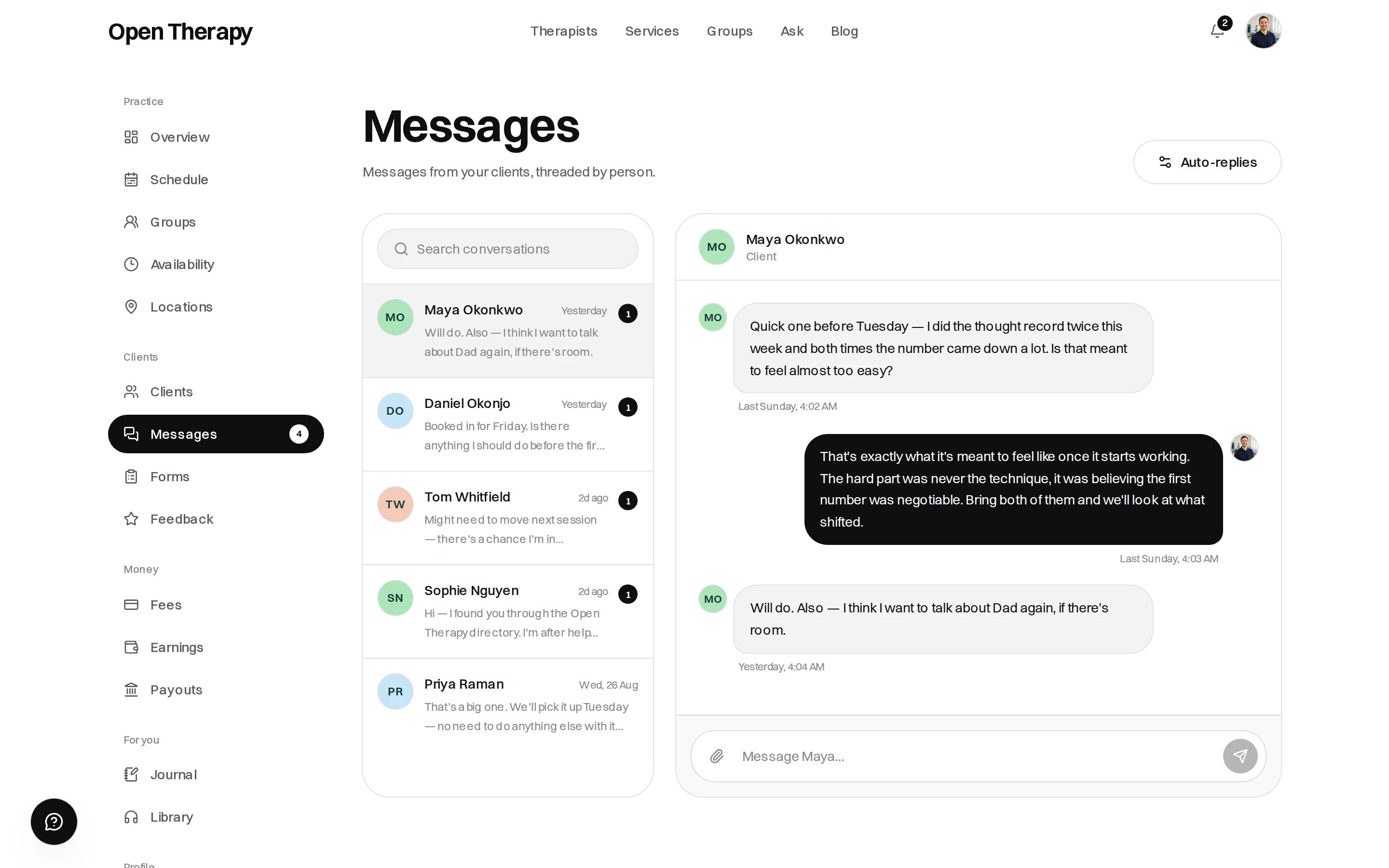
Conversations on the left, the thread on the right
Enquiries from people who haven’t booked
Anyone can write to you from your public profile — a name and an email address is enough, with no account. A first message from someone new creates a client record with the conversation attached, listed on your caseload under No account. They can’t sign in until they claim it — see Client files. Limits sit on first contact:
You are never obliged to reply.
Contact details
Phone numbers, email addresses and links are refused in a conversation until there’s a paid session between the two of you. The message isn’t sent, and the sender is told why. Once a session is paid for, the guard lifts.Writing
A message is up to 4,000 characters. You can attach a PDF, PNG, JPEG, WebP, Word, plain text, MP3 or M4A file. Both sides see a typing indicator, and messages arrive live in an open conversation without a refresh.Replying from your own email
Every notification email about a conversation carries a reply-to address unique to that thread and to you. Reply to it from your mail client and your reply is posted into the conversation. The address stays the same for the life of the thread, so an old notification still works.The sender has to match
The token in that address is not a credential; it says which conversation and which side. The address the reply comes from must equal the address on file for you, so a colleague replying to a forwarded notification is refused.When a reply doesn’t land
Quoted text below your reply is stripped. Type above the quote.
Auto-replies
Auto-reply sets an automatic first answer for people who write while you’re away.
Say when you’ll answer and what someone should do if they can’t wait. It’s an away message, not triage.