

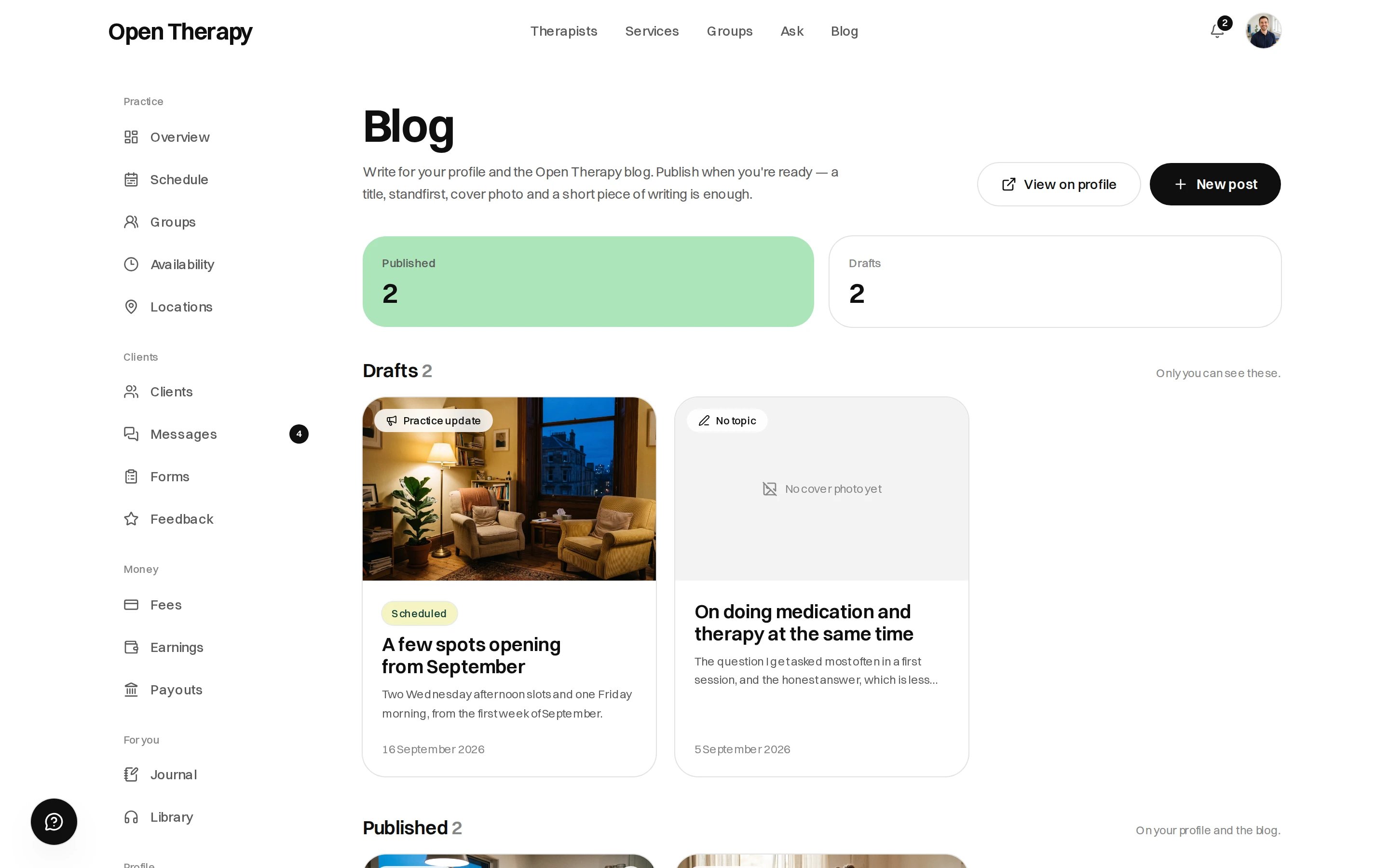
Drafts and published posts sit in one list, with reads counted against each
Two kinds of post
Updates appear under Practice updates on your profile. Only posts carry a topic and reach the central blog.
A third page is the Interview — five fixed questions, one sitting, published as its own post. See below. It is not written from the New post form.
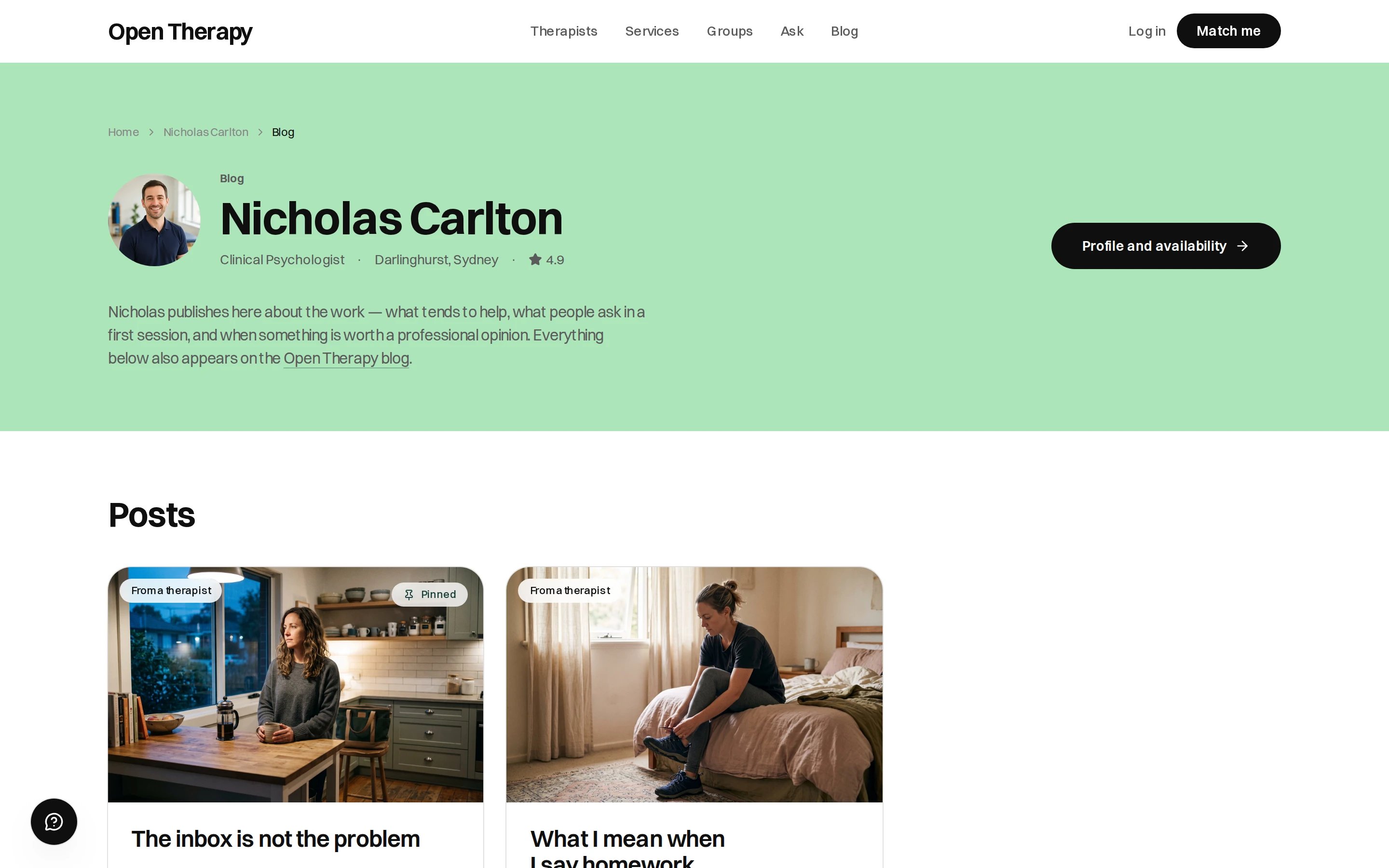
Everything you've published, at one address you can share
Where a post appears
- The Blog section of your public profile
- The Open Therapy blog, under your topic, in the feed readers can filter to therapist writing
- Search results, with your name on the byline and a link to your availability
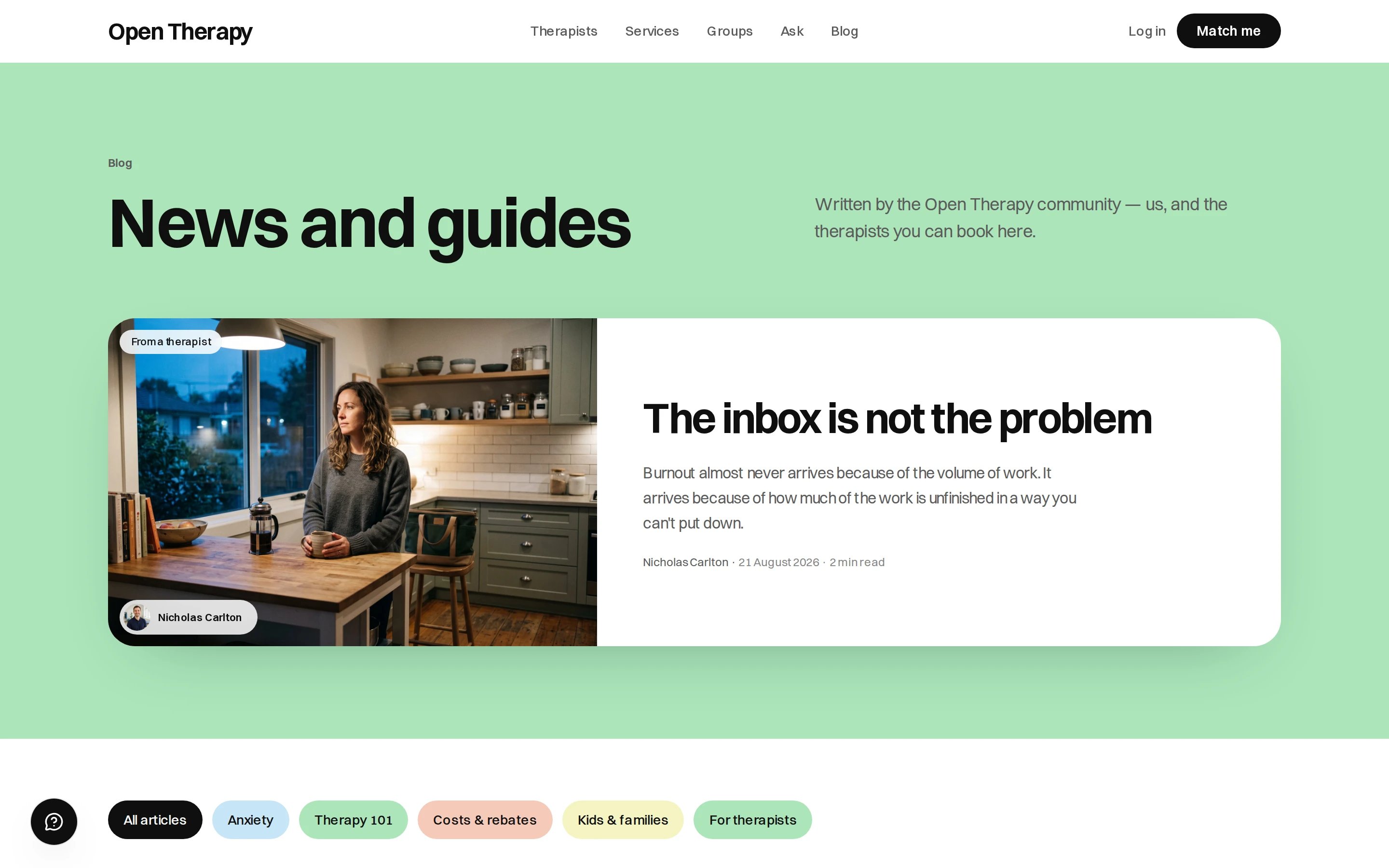
The Open Therapy blog, where a reader can filter to a topic or to the latest writing
Writing one
1
Pick the type
Post or practice update. Changeable later.
2
Add a cover photo
Required to publish. Describe it in the alt field.
3
Write the title and standfirst
One or two sentences on the card and in search results. Required, up to 400 characters.
4
Write the body
Plain text with light markup:
## heading, - bullet, > quote, [text](/link) link. Word count
and read time update as you type.5
Choose a topic and tags
Three or four tags is plenty.
6
Save a draft, or publish
Save draft keeps it to yourself. Publish goes live in both places.
The interview
Interview sits beside Blog in the workspace sidebar. It is five required questions, the same set for every therapist. Answers save as you go. Each one needs at least 60 words. Publish is the button, and it needs all five.
It publishes as one page under Interviews, at a fixed address on your profile. Answering again updates that page rather than creating a second one.
The same advertising rules apply as a post. Section 133 still holds.
There’s no scheduling. A future Date changes the date shown, not when the post goes live, and
nothing publishes a post sitting under the Scheduled filter. Publish it yourself on the day.
What it does for being found
A post is a page about a question somebody is typing into a search engine, with your name on it and your availability one click away. So write specifically:- The question you answer three times a week in a first session
- What clients get wrong about your discipline
- What actually happens in an assessment
- When someone should, and shouldn’t, come to you
What can’t go in a post
A post is advertising your service. Section 133 of the Health Practitioner Regulation National Law applies, as it does to reviews. Don’t publish:
Content that breaches the rules can be removed. If you’re unsure whether something is a testimonial, treat it as one.