

Sign up
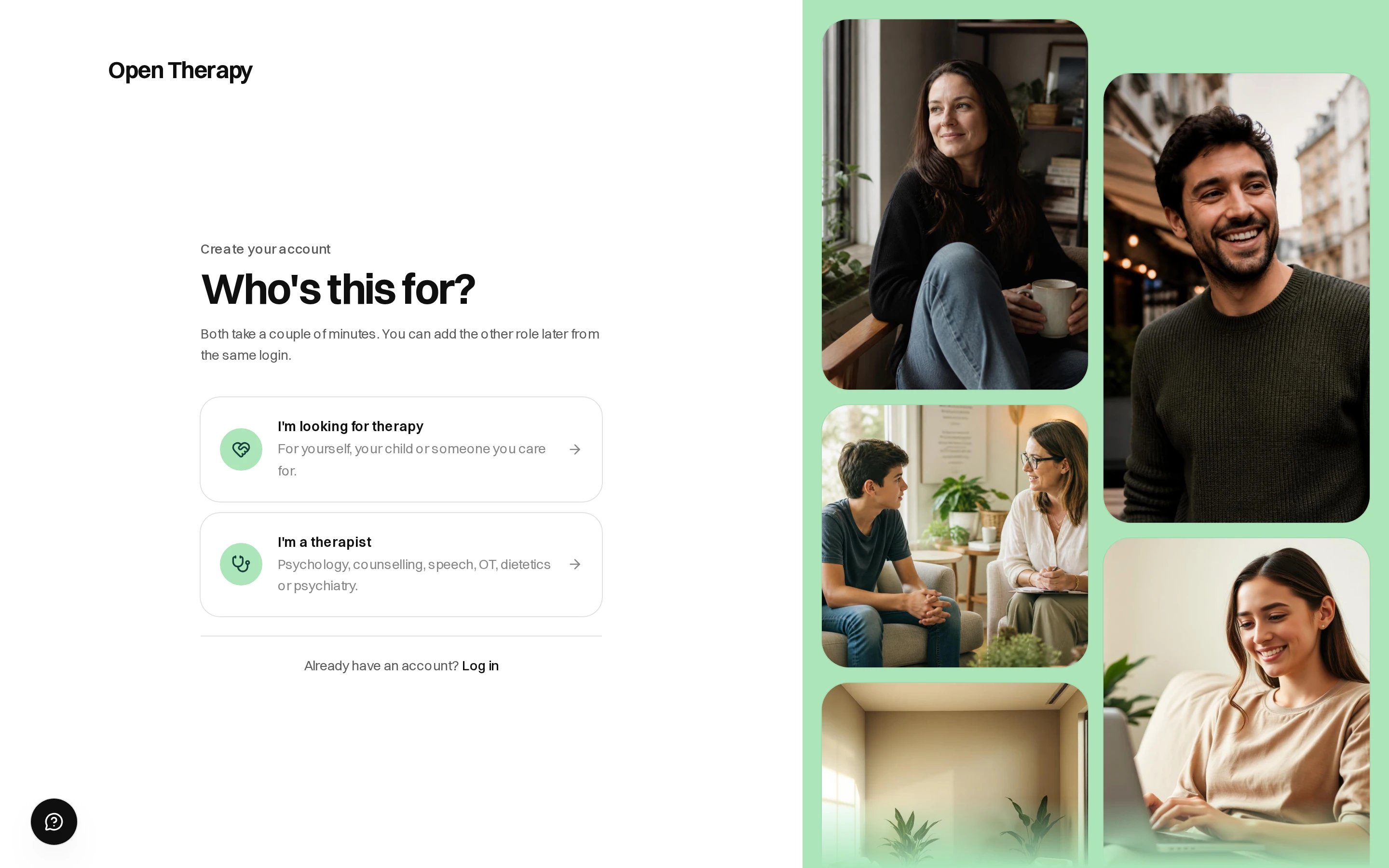
The first step of signup, choosing who the account is for
1
Choose who the account is for
Under Who’s this for?, pick I’m looking for therapy. You can add the therapist role later.
2
Enter your name and email
First name, last name and email. Google and Apple sign-in, where available, skip the next
step.
3
Confirm your email
We email a six-digit code, which expires in 30 minutes and works once. Enter it and select
Confirm email.
4
Pick a password
At least 8 characters, then Create account.
Signing up during a booking
You can make an account inside checkout: name, email and the six-digit code, with the card form underneath — see Book a session. It skips the password; set one from your confirmation screen or Settings.Once you reach payment, the hour is held for 15 minutes while you finish. See
Book a session.
Sign in
- Email and password
- Email a code
Tick Keep me signed in to stay signed in.
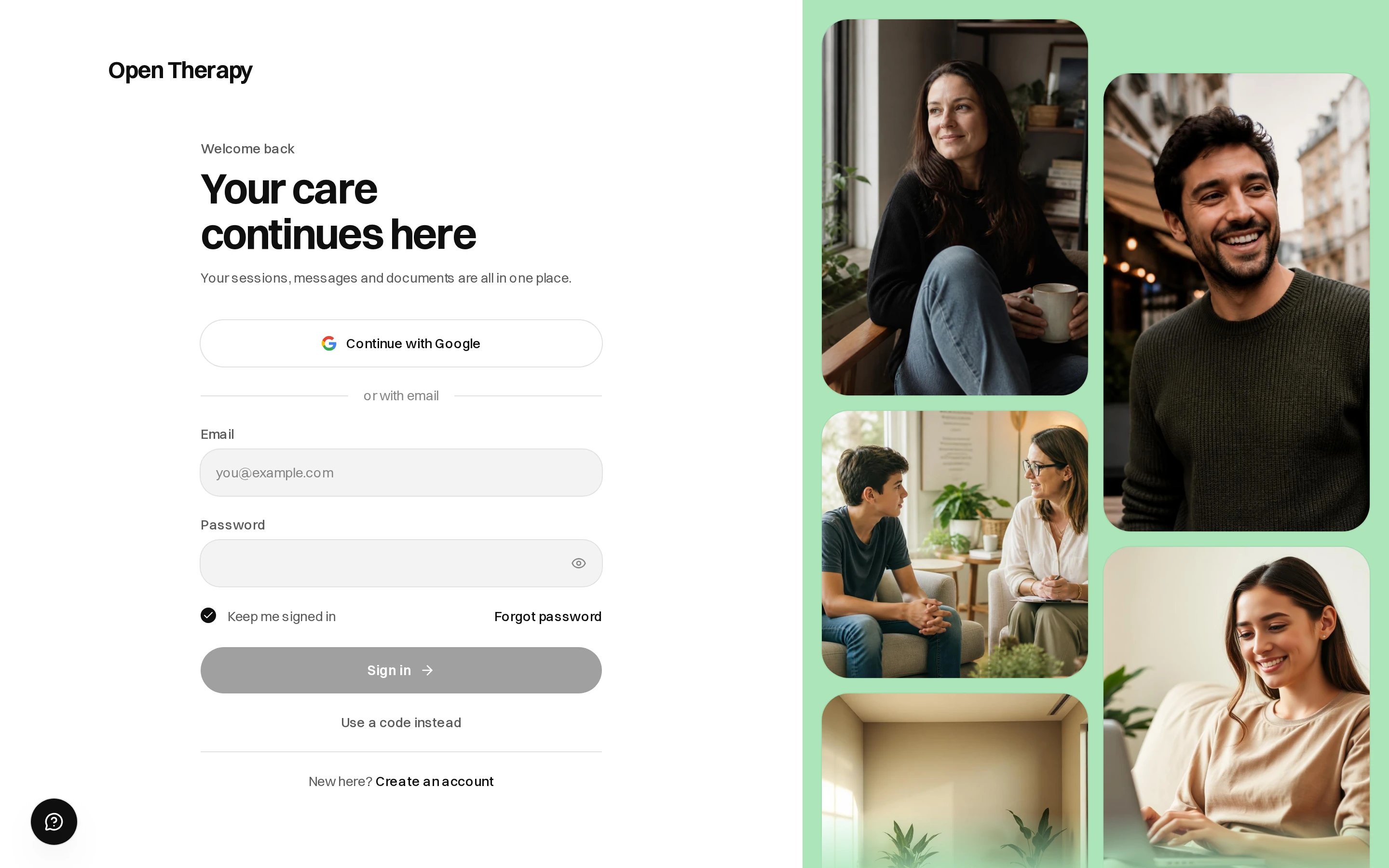
Both ways in sit on the login page, one under the other
If you shortlisted things before signing up
Anything you did signed out is kept in your browser and moves onto your account when you sign in:- Therapists you shortlisted
- Your answers to the matching questions
- Journal entries written in that browser
Account emails
Each ends with a line telling you what to do if it wasn’t you.