

For a client
Answer the questions
Tap Match me. Who the therapy is for, what you’re bringing, anything running through your
story, what would make it easier, and the practical constraints — how you’d like to meet, where
you are, how you’ll pay. Only the first two are required. Signed out, two more screens sit after
those: when you’d like to start, and where to send the list. Naming something in your story adds
one screen: someone who has lived it, or someone who works with it.
Review your shortlist
Every therapist who scores against your answers arrives as a ranked card with a one-line reason.
Keep the ones worth a second look and they go to your Shortlist. Nothing is booked and nobody
is told either way.
Read the profile
Bio, qualifications, registration, focus areas, services and prices, locations, funding
information, and reviews. You can skip matching and search the directory yourself under
Therapists, as a list or on a map.
Book and pay
Pick a service, a session mode, a date and a time. You’ll need an account. The therapist’s full
fee plus card processing is charged at booking — no deposit, no part-payment — and sits with
Open Therapy until the session has happened. The hour is held for 15 minutes while you pay.
Attend
Online sessions get an encrypted video link that opens in your browser. In person, you get the
address and access notes. Home visits get confirmed arrival details.
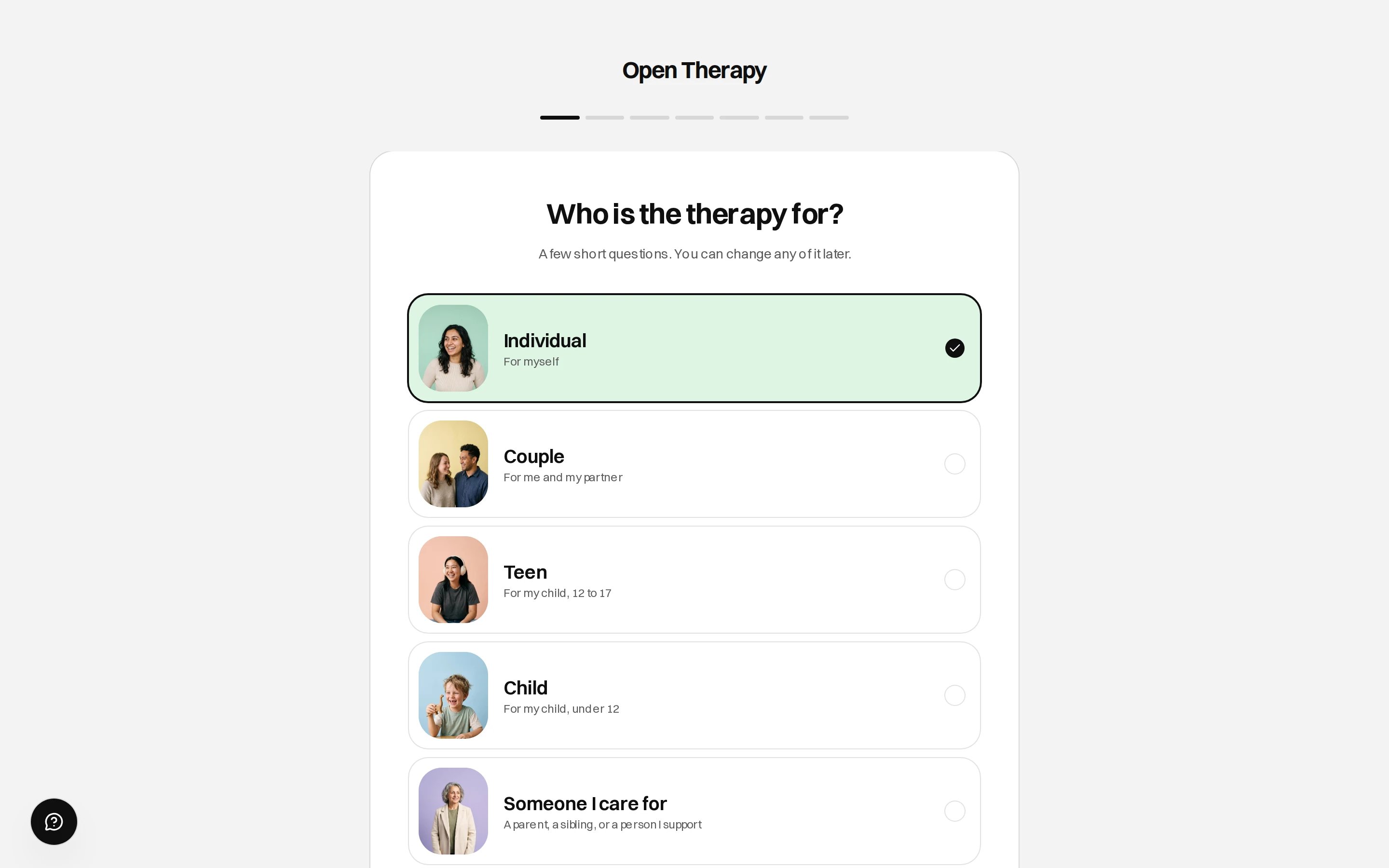
The first matching question
Moving a session never carries a fee, and there’s no limit on how often. You need your therapist’s
reschedule notice or their free-cancellation window, whichever is longer. Cancelling has its own
terms. See Cancellations and refunds.
For a therapist
Create an account and apply
Onboarding runs in five phases: Registration (care type, title, registering body and number),
Your practice (where and how you work, your hours), Your work (what you work with, your
approaches, your own story), Fees, then Your profile (name, photo, bio, booking handle,
intro video).
Get verified
Open Therapy checks your registration against the body that holds it. Professions with no board
are verified on a screening check instead. Nothing goes live until it clears. See
Verification.
Go live
Your profile appears in the directory, and in client shortlists where your experience overlaps
with theirs. You also get a personal booking link at
opentherapy.link/your-handle.Take the session
Bookings arrive against the availability you set, in your Schedule. The client has already
paid in full.
Record what happened
Mark the session attended or a no-show. Nothing settles and nothing transfers until you do.
Unmarked sessions wait under Not closed yet on your Earnings page.
Get paid
Marking the session works out what you’re owed. A pass runs every hour and moves your share to
your connected Stripe account; Stripe’s payout schedule pays it into your bank. See
Set up payouts.
What has to be true before your share moves
A transfer waits until all of this holds, and a settlement that isn’t ready waits for the next pass.There is no fixed delay after a session ends. Recording attendance starts the clock.
Who does what
The therapist’s practice name is what appears on the client’s card statement. Open Therapy earns a
one-off introduction fee the first time a client and therapist are matched, and nothing per session
after. See Fees.
Where you’ll be working
Both sides share one signed-in area, at/workspace. On a phone it collapses to four tabs and your
avatar.
/account/... and /therapist/... redirect into the workspace, and /saved redirects to
/shortlist.
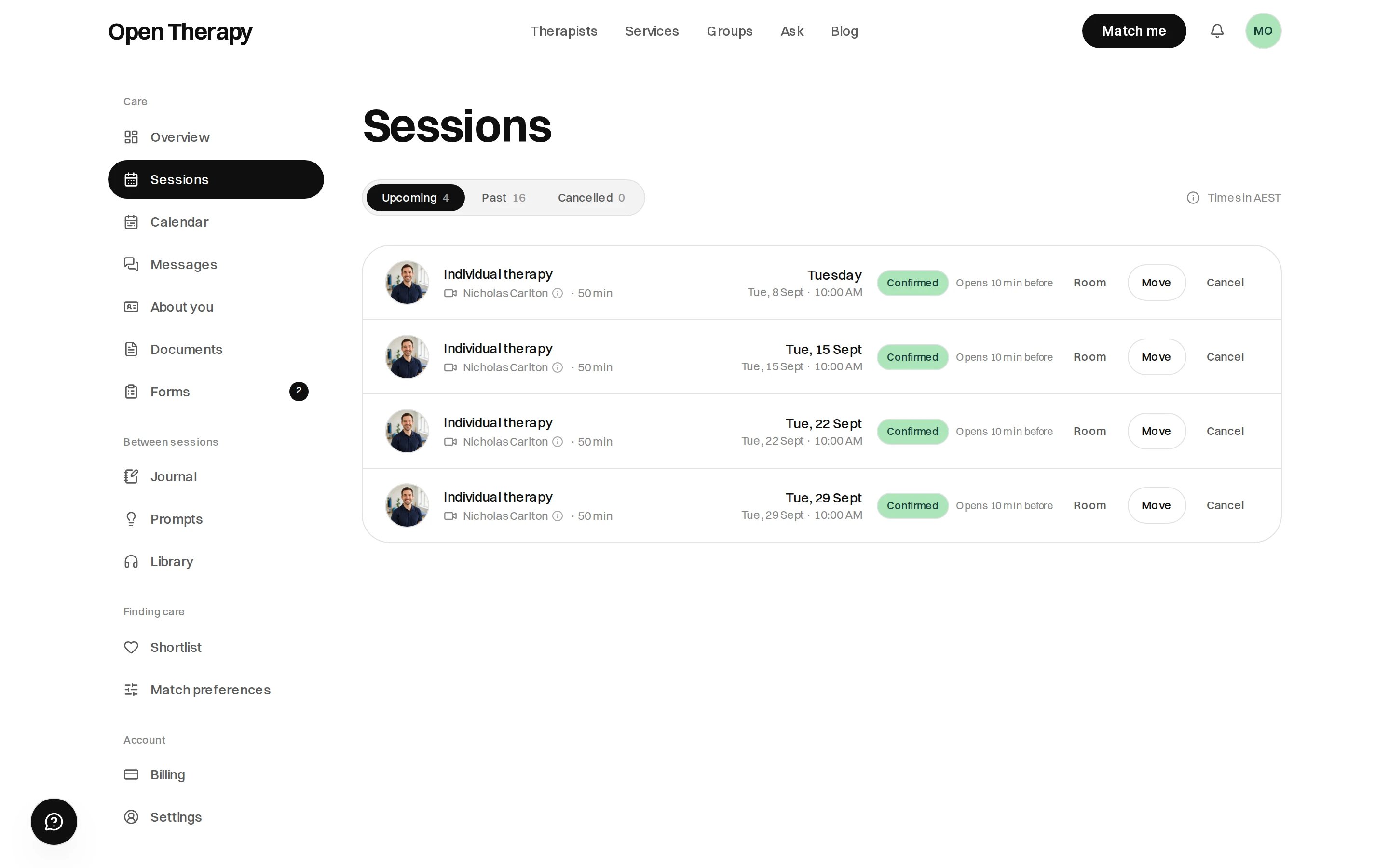
A client's workspace
Two domains
Two hostnames, both legitimate.opentherapy.app
Everything: marketing, the directory, profiles, booking, signing in and the workspace.
opentherapy.link
Vanity links only. A therapist hands out
opentherapy.link/sarah-chen and it opens their profile.What you can’t book yet
Only privately paid sessions can be booked. Bulk-billed, NDIS, WorkCover and DVA bookings are refused. Profiles still show what rebates and funding a therapist accepts, and claiming is arranged between you and them. See Rebates and funding. Eleven of the sixteen care types aren’t open yet either. See Care types.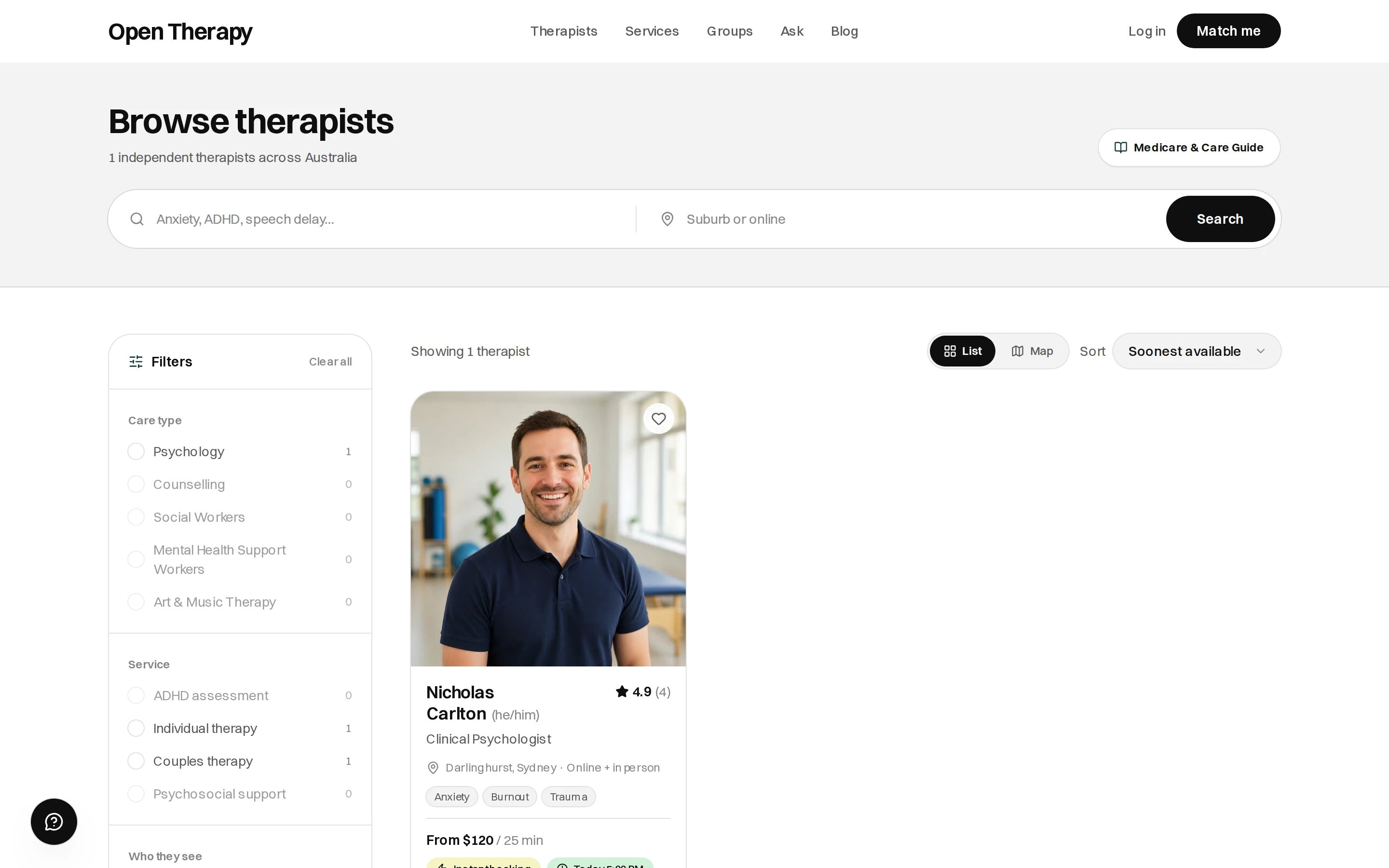
The directory filter lists only the care types that are open for bookings
Where to go next
Client documentation
Accounts, matching, booking, payment and your workspace.
Therapist documentation
Verification, your listing, sessions and payouts.